AI Marketing Academy
Your AI team finds the money hiding in your old enquiriesYour AI team chases every quote, so more people say yesYour AI team writes your blogs and social posts for youYour AI team answers enquiries, even when you're outYour AI team brings in more 5 star Google reviewsYour AI team gets you found on Google and ChatGPT

The Pink Elephant blog·LinkedIn·9 minute read

LinkedIn, your best salesperson

LinkedIn lead generation for small businesses: turn your profile and posts into enquiries.

Most business owners post, connect and hear nothing back. Here’s how I use LinkedIn to get conversations with the right people, in about 20 minutes a day, without sounding salesy.

Henny MaltbyHenny Maltby25 years in marketing · Growth Hub Premier Partner
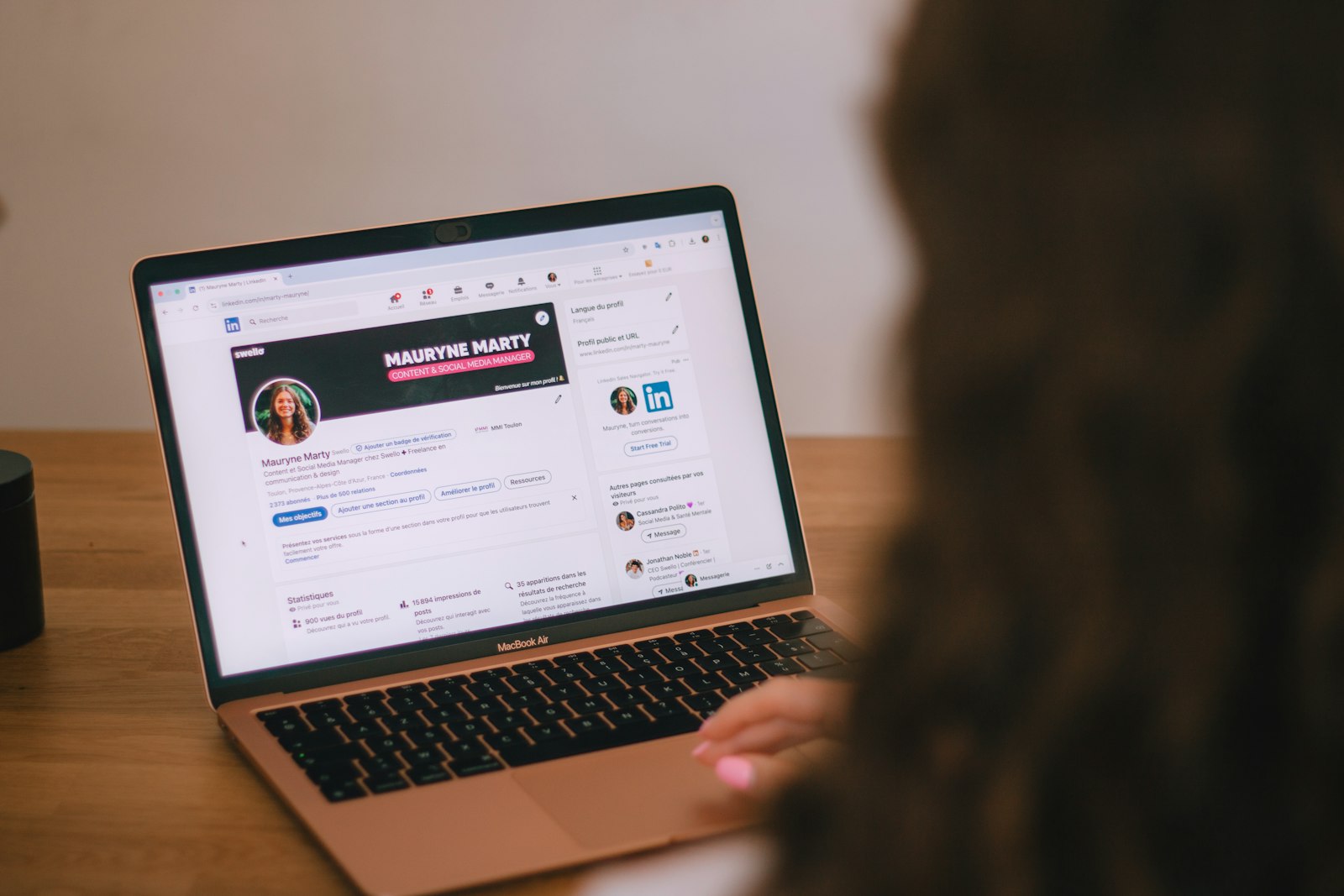
Someone browsing a LinkedIn profile on their laptop

!Sound familiar? You post, you connect, and the enquiries never come.

LinkedIn is the best place I know to find business customers. The people you want are already there, and they’re watching more than you think.

Here’s the bit most people miss. For every person who likes or comments on your post, there are plenty more who read it and say nothing. I call them the silent watchers. They look at your profile, read your posts for weeks, and then one day they get in touch. Or they don’t, because nothing told them you’re the person to call.

So LinkedIn isn’t about going viral. It’s about staying in front of the right people, so when they’re ready to buy, you’re the name they think of.

Your profile is your shop window. Your posts keep you front of mind. Your messages turn watchers into clients.

Try it today

Rewrite your LinkedIn headline and About section

Your profile is the first thing the silent watchers read. Pop your name and email in to get the full prompt, then copy it into ChatGPT or Claude.

It gives you a headline and About section that say what you do, who you help and the result they get, instead of reading like a CV.

Free prompt

I want my LinkedIn profile to bring in enquiries.
What I do: (your job or service, in plain words)
Who I help: (the type of business or person)
The result they get: (what changes for them)

What makes me different: (your reasons)
What I want people to do next: (book a call, download a guide)

Write me three LinkedIn headline options under 220 characters that say what I do, who I help and the result they get. Then write an About section in plain, friendly English that talks to my buyer, explains the problem I solve, gives one example of a result, and ends with a clear next step. Don’t use buzzwords or anything that could describe any business.

Get the full prompt free


We never share your details. See our privacy policy.

The 6 step process

How I turn LinkedIn into a salesperson

This is the order I work through with clients, and it’s the same order the Academy course follows.

  1. 1Make your profile sellYour headline says what you do, who you help and the result they get. Your banner shows what you do. Your About section talks to your buyer, and your Featured section gives them something to grab. And use a photo of you smiling, with your teeth showing. It makes a real difference.
  2. 2Find the right decision makersSearch for the job titles and businesses you want, then connect with a short, personal note. Quality matters more than numbers.
  3. 3Post things buyers stop forShare what you know, the problems you solve and the results you get. Start every post with a strong first line, so people want to read on.
  4. 4Comment and message without sellingLeave useful comments on your buyers’ posts. When someone connects or engages, start a real conversation, not a pitch.
  5. 5Turn conversations into callsWhen the time is right, offer something helpful, like a free guide or a short call. Make it easy to say yes.
  6. 6Keep a 20 minute a day routineA little every day beats a big push once a month. Comment, reply, message, and post two or three times a week.

Need a head start on those first lines? Download my free 100 Stop Scrolling LinkedIn Hooks.

Before and after

Your headline is the first thing they read

What it doesA headline like a CVA headline that sells
What people seeExperienced professional in the services industry✓Energy consultant | I help growing manufacturers cut energy bills without stopping production
What you doNot clear, so they have to guess✓Said up front, so they know straight away
Who it’s forAnyone, so no one in particular✓The exact buyer you want
Why get in touchNo reason given✓A clear result they want

Say what you do, who you help and the result they get. That one change makes the silent watchers stop scrolling.

Drive the leads

Spot the buying signals, then act on them

The best leads on LinkedIn tell you they’re interested. They just don’t say it out loud. Someone looks at your profile twice in a week. A buyer comments on your post. A new connection works for exactly the kind of business you help. A company posts that it’s growing, hiring or moving. These are buying signals, and most people ignore them.

When you see one, act. Send that person something useful straight away, like a short guide or checklist that solves a problem they have. It’s helpful, it isn’t pushy, and it starts a conversation.

One tactic I love is to give the steps and lock the key. Share the steps of how to do something in a post, then offer the full prompt or template to anyone who wants it. People put their hand up, and you know exactly who’s interested.

And don’t let your blogs sit on your website. Turn them into a LinkedIn newsletter, so they land in your connections’ notifications and keep you front of mind every time you publish.

Want the full LinkedIn system?

Turn LinkedIn Into Your Best Salesperson

The Academy course takes you through every step, with post and message templates and a 20 minute a day routine. It’s part of the Pink Elephant AI Marketing Academy, which opens on 14 November.

Tools that save time

Which LinkedIn tools are worth it?

You don’t need any of these to start. When you’re ready to save time, here’s my honest view.

Worth a look

  • ✓LinkedIn Sales Navigator: finds exactly the people you want and shows when they change jobs or post
  • ✓Taplio: helps you plan and schedule posts and see which ones work
  • ✓Octopus CRM: visits profiles and saves contact details for you, a real time saver when used like a person

Watch out for

  • ★LinkedIn’s rules don’t allow automation tools, and accounts can be restricted
  • ★Anything that sends lots of messages for you will sound like a bot and put people off
  • ★Paying for tools before your profile and routine are working

Keep any tool’s daily limits low, and always write your own messages. People buy from people.

Your questions answered

LinkedIn lead generation: FAQs

The questions I’m asked most about getting enquiries from LinkedIn.

How much time do I need to spend on LinkedIn to get leads?

About 20 minutes a day is enough if you spend it well: a few thoughtful comments, replying to anyone who engages with you, and one or two conversations with the right people. Posting two or three times a week is plenty for most small businesses.

Do I need LinkedIn Sales Navigator?

Not to start. A profile that sells and a steady routine come first. Sales Navigator is worth paying for once you know exactly who you want to reach and you’re ready to find them in bigger numbers.

Are LinkedIn automation tools safe to use?

Be careful. LinkedIn’s rules don’t allow automation tools, and accounts can be restricted. If you use something like Octopus CRM to save time, keep the daily numbers low and use it the way a person would, never as a bot firing off messages.

Why do people look at my profile but never get in touch?

Usually because the profile talks about you, not them. If your headline doesn’t say what you do, who you help and the result they get, the silent watchers read it, can’t see why it matters to them, and move on.

The AI Marketing Academy

Stop doing all your marketing yourself

Build an AI marketing team that works for your business. You teach it, your agents do the work, and you stay in control.

LinkedIn is just one of the jobs your AI marketing team can take off your plate. The course that covers it is Turn LinkedIn Into Your Best Salesperson.

It’s real marketing, powered by AI, and it opens on 14 November.

Your AI marketing team

  • ✓Finds you new customers every day
  • ✓Writes your posts, blogs and emails in your voice
  • ✓Keeps your website improving and found on Google
  • ✓Follows up every enquiry so none slip away
  • ✓Shows you what’s working and what’s wasting money
Henny Maltby

Want to talk it through first?

Book a free hour with Henny

My private 1:1 marketing sessions are worth £150 an hour, and your first hour is free. We’ll look at your LinkedIn profile and how to turn it into enquiries.