The Pink Elephant blog·AI and marketing·7 minute read

There’s nearly always a way round.

Your systems won’t connect to AI? Workarounds for payment systems, WhatsApp and older software.

If a system won’t connect to your AI, you can almost always still get the information across by exporting it to a spreadsheet, copying and pasting it, or forwarding the emails it sends you. For everything else, a booking tool that syncs with Google Calendar or an automation tool as a middle step will usually close the gap, and sometimes working in two systems for a while is perfectly fine.

Henny MaltbyHenny Maltby25 years in marketing · Growth Hub Premier Partner · 27 October 2026
Business owner at a cafe table checking customer messages on his phone

!Enquiries stuck on your phone? Your AI can still work with them.

“My booking system won’t connect to AI.” I hear that on nearly every call. Or it’s the card machine, Apple calendar, WhatsApp, or software the business has used for years.

None of this means AI isn’t for you. It means you need a way round. And there nearly always is one.

Export it, paste it or forward it. Your AI can work with all of it.

Why it happens

Why won’t my booking system or card machine connect to AI?

AI tools link up with other software through connections that the software makers build. When a connection exists, it’s wonderful. I’ve connected Claude to my email, my CRM (the system where I keep every contact and enquiry) and Zoom. It can find every past conversation with a type of contact in about 30 seconds, suggest who I should get back to today and draft the emails for me to approve.

But plenty of the tools small businesses rely on don’t offer that connection yet. On my calls I hear the same list again and again: booking systems that only talk to themselves, Apple calendar, which doesn’t link up easily with everything, card machines and payment systems, WhatsApp, where half the enquiries arrive, older desktop software the business has used for years, and LinkedIn automation tools, which don’t plug into Claude.


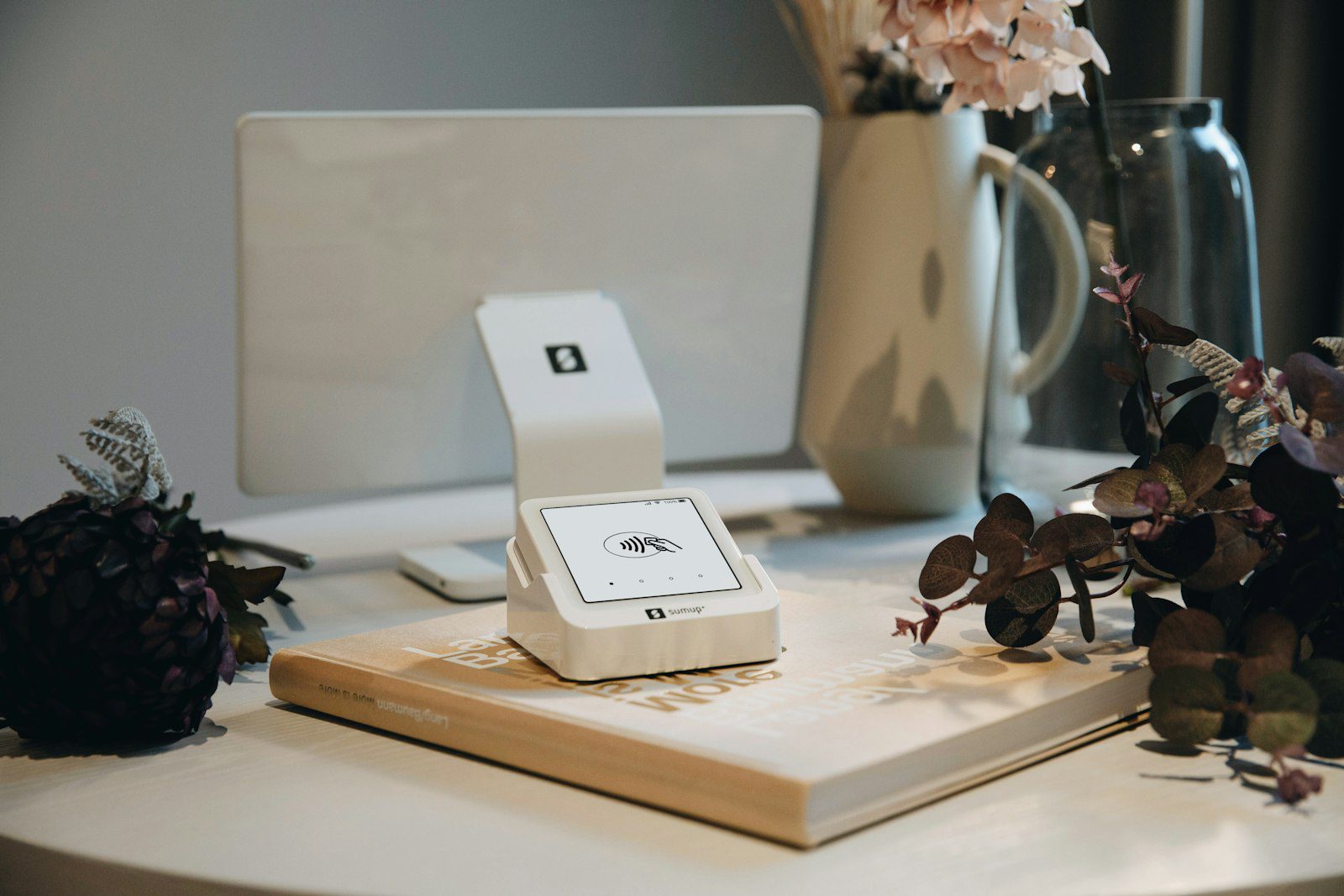
Card reader and till screen on a shop counter beside a vase of flowers

You can still get your till sales into AI

The workarounds I use

What can I do if my software doesn’t connect to AI?

These are the workarounds I use myself and show my clients. Start with the first one. It solves more than you’d think.

Export it to a spreadsheet and hand it over

Look in your system’s settings or reports for a button called Export or Download. Many give you a spreadsheet or a CSV file (a plain spreadsheet AI can read easily). Upload that to your AI and ask it questions: who hasn’t booked again, which services sell best, which month is quietest.

Copy and paste

Not glamorous, but it works. A page of bookings, a list of orders, a customer’s message. Paste it in and ask for what you need.

Forward the emails

Most systems send you an email when something happens: a new booking, a payment, an enquiry from your website. Those emails are information your AI can work with. If your AI is connected to your email, it can find them. If not, forward them to one inbox or paste them in.

Use a booking tool that syncs with Google Calendar

If your calendar is the sticking point, a booking tool that syncs with Google Calendar often gets your diary talking to everything else, because so many tools connect to Google.

Check for an official AI connection

Look in your tool’s settings for words like integrations, apps or connectors, and check the list of connections inside ChatGPT or Claude too. New ones arrive all the time, so a tool that didn’t connect last year might now.

Use an automation tool as a middle step

Tools such as Zapier and Make sit between two apps. They watch for something to happen in one (a new booking, say) and then do something in another (add a row to a spreadsheet, or create a contact in your CRM). Before you pay for one, check that both of your apps appear on its list.

Try it today

Ask your AI about your own bookings

Export three months of bookings from your booking system, upload the spreadsheet to ChatGPT or Claude and paste this in.

It tells you who hasn’t been back, when you’re busiest and quietest, and gives you ideas to fill the gaps.

Copy this prompt

I’ve attached a spreadsheet of my bookings for the last three months, exported from my booking system.

Please tell me:
1. Which customers booked once and haven’t been back
2. Which days and times are busiest and quietest
3. Three ideas to fill the quiet slots

Only use what’s in the spreadsheet. If something is unclear or missing, tell me rather than guessing.

The two I’m asked about most

What about WhatsApp and LinkedIn?

WhatsApp

How do I get WhatsApp messages into AI?

WhatsApp lets you export a chat as a text file, with or without the photos and files in it. You’ll find it in the chat’s menu under Export chat. It’s a snapshot rather than a live link, but it’s enough to ask your AI to pull out every enquiry, list the questions customers ask most, or draft replies you then send yourself.

Your part: Only export your own business conversations, and only what you need for the job.

LinkedIn

What about LinkedIn?

LinkedIn automation tools don’t connect into Claude, but you can request a copy of your own data from LinkedIn’s settings, and you can always paste in a profile or a message thread. That’s usually enough to have AI help you decide who to follow up and what to say.

Your part: Decide who to follow up and send the message yourself.

Match your problem to the fix

Which workaround fits my problem?

Your systemThe problemThe workaround
Booking systemHas no AI connection✓Export your bookings as a spreadsheet each month and upload it
Apple calendarWon’t link up with your other tools✓Use a booking tool that syncs with Google Calendar, or keep both for now
Card machine or payment systemDoesn’t connect✓Download your sales report from its online dashboard and hand that over
WhatsAppEnquiries come in there✓Export the chat as a text file, or copy and paste the messages
Older desktop softwareDoesn’t connect✓Look for an export or save as option, or forward the emails it sends
LinkedIn toolsDon’t plug into Claude✓Download your own LinkedIn data, or paste in profiles and messages
Two of your appsShould talk but don’t✓Try an automation tool like Zapier or Make as a middle step

My honest answer

Is it OK to just work in two systems?

Honestly, yes, often it is. One question I’m asked a lot is “can I manage without a CRM for a few months?” And my answer is that you can, as long as you have a simple, reliable way of making sure no enquiry gets lost.

Working in two systems costs you a bit of time and a bit of retyping. That’s fine for now. It’s worth changing when you’re retyping the same details every single week, when enquiries are slipping through because they live in different places, or when you can’t easily answer “who do I need to get back to today?”

What I’d avoid is paying for a pile of new tools just to make everything connect. Subscriptions add up really quickly, and lots of little disconnected costs are exactly what I see business owners trying to get away from.

Want AI keeping track of every enquiry?

Stop enquiries slipping between systems

The Pink Elephant AI Marketing Academy opens on 14 November. You build AI helpers that work with the tools you already have, connected where they can be and fed by simple exports where they can’t. You teach it. Your agents do the work. You stay in control.

Where the value is

How do I get every enquiry into one place?

This is where most of the value is. It doesn’t matter much where an enquiry starts, whether that’s WhatsApp, email, your website or a phone call. What matters is that it lands somewhere you’ll see it and get back to it.

The Never Lose Another Enquiry course (coming soon) shows you how to set up one simple place for every enquiry, including the ones that arrive through tools that don’t connect. Then Every Enquiry Followed Up, Automatically (coming soon) shows you how to have AI draft the follow up for every one, ready for you to check and send.

Not sure where your enquiries are going missing? The free marketing review takes about 8 minutes, looks your business up and shows you where you’re losing customers.

Your questions answered

When your systems won’t connect: FAQs

The questions I’m asked most when a business owner’s tools don’t plug into AI.

Do I need to change my booking system to use AI?

Usually not. If your booking system lets you download your bookings as a spreadsheet, you can give that to your AI and get most of the benefit straight away. Only think about switching if the old system is causing you problems anyway.

Is it safe to give AI an export of my customer data?

What you upload stays in your own AI account and is covered by that provider’s privacy policy. Choose your provider carefully, check its privacy settings before you start, and only include the columns you actually need for the job.

What is a CSV file?

A CSV file is a simple spreadsheet saved as plain text, with each row on a new line and each column separated by a comma. Almost any spreadsheet program can open one, and AI tools can read them easily.

Do I need Zapier or Make to use AI in my business?

Not to start. Exporting, copying and pasting and forwarding emails will get you a long way. Automation tools are worth looking at once you find yourself moving the same information between two apps every week.

Where to start

Make AI work with the tools you already have

You don’t need every system to connect before AI can help. You need every enquiry to land somewhere you’ll see it, and an AI that knows what to do with it.

That’s what the Pink Elephant AI Marketing Academy builds with you: AI helpers that find, follow up and keep track of every enquiry, whatever systems you use, connected where they can be and fed by simple exports where they can’t.

Opening 14 November

The Pink Elephant AI Marketing Academy

A free start, then step by step to AI helpers that keep track of every enquiry. The first course, How Marketing Really Works, is free.

Henny Maltby

Want to talk it through first?

Book a free hour with Henny

My private 1:1 marketing sessions are worth £150 an hour, and your first hour is free. Bring your list of systems and we’ll work out what connects and what doesn’t.