The Pink Elephant blog·AI and marketing·7 minute read

One assistant, taught properly.

Stop paying for five AI tools: the one setup a small business needs.

Most small businesses don’t need five AI tools. They need one main AI assistant, taught about their business and connected to the email, calendar and customer records they already use.

Henny MaltbyHenny Maltby25 years in marketing · Growth Hub Premier Partner · 23 October 2026
A smartphone home screen full of app icons, like the pile of AI subscriptions many small businesses pay for

!How many are you paying for? Lots of little costs that don’t talk to each other.

Every AI tool solves one small job. One writes captions. One makes images. One takes meeting notes. One promises to do your SEO. Each one is only a few pounds a month, so it never feels like a big decision. Then you look at your bank statement.

It’s become such a common problem that small business owners on Reddit’s AI forums are asking whether they’re wasting money on tools that overlap, and on half used subscriptions left running on autopay. I hear the same on my own calls. Owners tell me that tools and subscriptions “add up really quickly”. Many have already paid separately for a web developer, then SEO, then a designer, and ended up with lots of little costs that don’t talk to each other.

There’s another side to it too. The IONOS and YouGov survey of 1,001 UK small business decision makers found that 29% plan to put no budget at all into AI this year, and a quarter would only use free tools. I understand why. If the last five tools didn’t pay for themselves, why would the sixth?

The answer isn’t more tools. It’s one tool that actually knows your business.

The setup

What AI setup does a small business actually need?

Three things. That’s it.

Your one paid account

A main AI assistant

ChatGPT or Claude. One paid account, used for writing, research, planning, summarising and much more. This replaces most of the single job tools.

What your AI reads first

Your Brain

A set of notes your AI reads first: who your customers are, what you sell, how you talk, your prices and your rules. This is what stops it sounding generic.

Links to your email, calendar and CRM

Connections

Link your AI to your email, calendar and CRM, so it can find conversations, draft replies and suggest who to follow up today.

A quick word on CRM, because people often ask. It stands for customer relationship management, but all it really means is one place that keeps track of your customers and enquiries: who they are, what you discussed and what needs to happen next.

How it works for me

One assistant doing the work of a team

I used to employ a designer, a web developer and a PA. As each one moved on, I didn’t replace them, because AI now does that work alongside me and Chris, my web developer. Pink Elephant is now two people.

I’ve connected Claude to my email, my CRM (I use Pipedrive) and Zoom. I can ask it to find every past conversation with a certain type of contact and it does it in about 30 seconds. It scores my leads, suggests who to contact today and drafts the emails for me to approve. After a client call it writes the follow up around what we agreed and adds it to my CRM.

None of that needed five tools. It needed one assistant that knows my business and can see where my information lives.

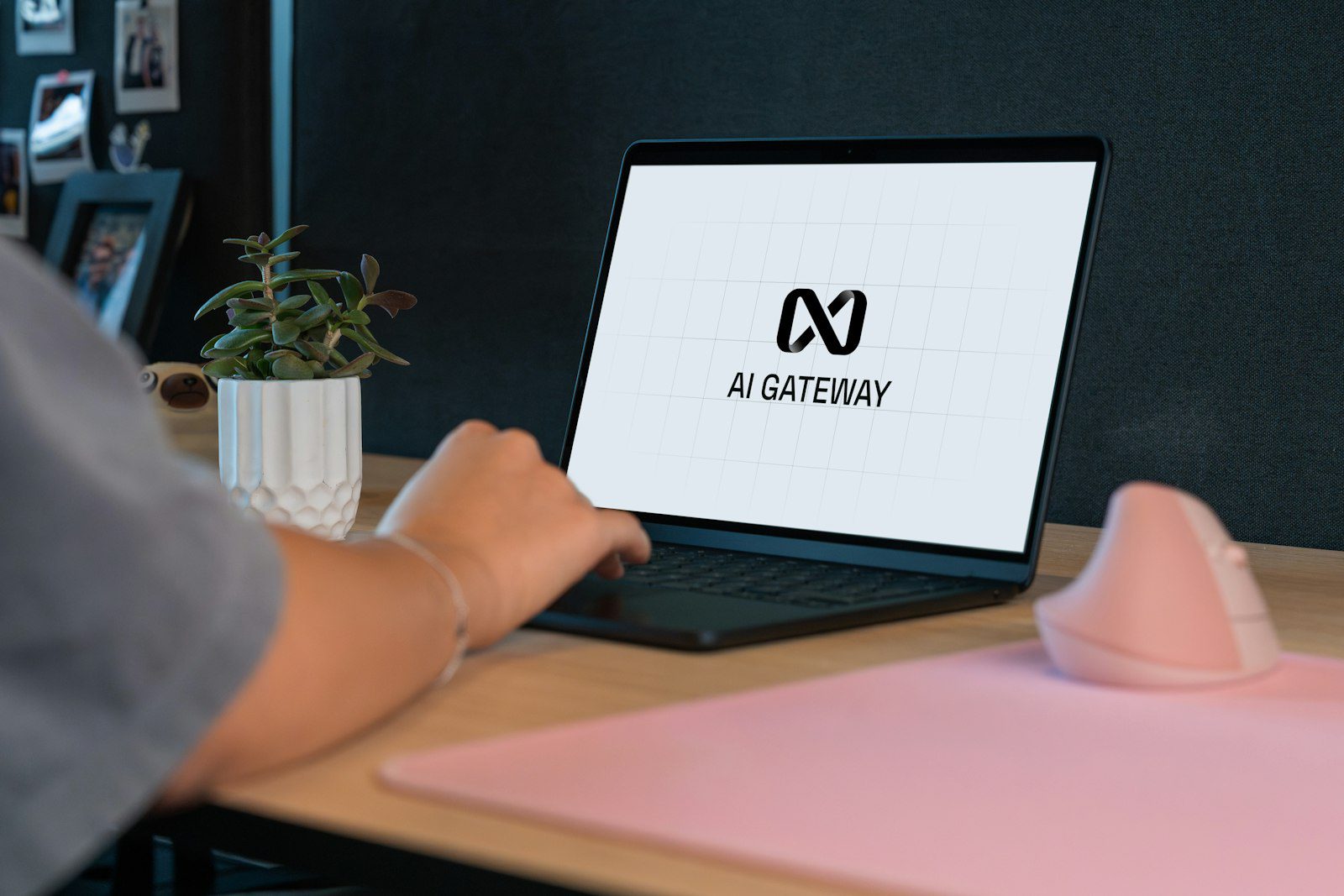
Business owner using one AI assistant on a laptop for everyday work

I just use one AI for all of it

My honest answer

ChatGPT or Claude: which is better for a small business?

It’s the question I’m asked more than any other, so here’s my honest answer: either works. Pick one and teach it. The business that teaches an ordinary AI about itself will get far better results than the business that buys the “best” AI and tells it nothing.

I use Claude, because it connects to my email, Pipedrive and Zoom in the way I like to work. Plenty of owners do brilliantly with ChatGPT. Both have a free version and a paid monthly plan, and prices change, so check the current UK price on each provider’s own website before you sign up. Then use this to decide.

What to checkWhy it mattersHow to test it
Does it connect to your tools?Your AI is far more useful when it can see your email, calendar and customer records.✓Search the provider’s help pages for the names of the email, calendar and CRM you use.
Privacy settingsYou want to know whether your chats can be used to train the AI, and how to switch that off.✓Open the settings before you add any customer information.
Somewhere to keep your BrainYou don’t want to paste your business notes in every time.✓Look for projects or saved instructions where your notes stay put.
How it writes for youYou’ll read its drafts every day, so you need to like them.✓Give both the same real task, with the same notes, and compare.
How much you can use itFree plans have limits that can stop you mid job.✓Use the free version for a normal working week.
Current monthly priceIt’s your one main running cost, so know what it is.✓Check each provider’s own pricing page.

Privacy is usually the first worry, and rightly so. When Anthropic surveyed small business owners, data security was the most cited barrier, and the first question at their events was whether their data would be used to train the models. Check that setting first, whichever tool you choose.


When things won’t connect

What if my tools don’t connect to AI?

Not every tool does, and that’s fine. Some booking systems and calendars don’t connect easily to everything. Apple Calendar is a good example. You might need a booking tool that syncs with Google Calendar, or accept working in two places for a while.

Where a tool won’t connect, you can almost always export your data as a spreadsheet or CSV file and give that to your AI. Or simply copy and paste. LinkedIn automation tools don’t connect into Claude, for instance, but you can download your own data from LinkedIn and work with that.

Set it up once, properly

Build your AI Marketing Brain and connect it

In the AI Marketing Academy you build your own AI Marketing Brain and connect it to the tools you already use, step by step, whatever your business. Your only running cost is the AI tool you choose. The full Academy opens on 14 November.

Your subscription check

Which AI subscriptions should I cancel?

Set aside half an hour with your bank statement and work through this checklist.

  1. 1List every tool you pay forMonthly and yearly, including anything on a free trial that will start charging.
  2. 2Note when you last used each oneIf you can’t remember, that’s your answer.
  3. 3Ask whether your main AI assistant already does this jobCaptions, summaries, first drafts and research usually fall into this group.
  4. 4Check whether it connects to anythingA tool that holds your data in a corner nobody else can reach is costing you more than its price.
  5. 5Check who actually uses itA login nobody has opened in two months can go.
  6. 6Download any data you want to keepDo this before you cancel.
  7. 7Put renewal dates in your calendarFor anything you keep, so you decide each time rather than paying by default.

Try this today

Let AI sort your subscriptions for you

Copy this prompt into ChatGPT or Claude and paste in your list of subscriptions underneath. Only include the tool names and prices, never any account details.

Copy this prompt

I run a small business and I’m paying for too many tools. Below is a list of every subscription I pay for, with what it costs and what I use it for. (I’ve only included the tool names and prices, no account details.)

For each one, tell me:
1. Whether a single AI assistant could do the same job
2. Whether it connects to my email, calendar or customer records
3. Your suggestion: keep, cancel, or review in three months, and why

Then give me the total I could save each month if I followed your suggestions.

[Paste your list here]

Measure it

How do I know if my AI setup is paying for itself?

By measuring it, which most people never do. Keep a simple note for a month: time saved on emails and posts, enquiries followed up that would otherwise have slipped, and anything you stopped paying someone else for. If the number isn’t worth more than the subscription, something needs changing.

If you want to go further, Your AI Marketing Brain shows you how to build the Brain and set up your one main assistant properly, so it knows your business from day one. Find Out What’s Working, and What’s Wasting Money (coming soon) helps you see which parts of your marketing and spending bring in customers, and which you can stop.

Want a quick picture first? The free marketing review takes about 8 minutes, looks your business up and shows you where you’re losing customers.

Your questions answered

Choosing your AI setup: FAQs

The questions I’m asked most when owners are deciding which AI tool to keep.

Is ChatGPT or Claude better for a small business?

Either works well. The difference that matters is not the tool, it’s whether you teach it about your business and connect it to the things you already use. Try both free versions on a real task, pick the one you prefer, and stick with it.

Can I just use the free version of an AI tool?

The free versions are a good place to test. Before you commit to free only, check what the free plan lets you save, how much you can use it, what it connects to and what its privacy settings are.

What is a CRM and do I need one?

A CRM is simply a place that keeps track of your customers and enquiries: who they are, what you talked about and what happens next. If enquiries ever slip through the cracks, you’ll benefit from one, and connecting it to your AI means follow ups get drafted for you.

What if one of my tools doesn’t connect to AI?

Most tools let you export your data as a spreadsheet or CSV file, which you can give to your AI. You can also copy and paste. For calendars, a booking tool that syncs with Google Calendar often solves the problem.

Where to start

One AI, taught properly, doing the work of five

Register now and be first in when the full Academy opens. You’ll build an AI Marketing Brain you keep for good, connected to the tools you already use.

Your only running cost is the AI tool you choose, so you can cancel the drawer full of single job tools and put one assistant to work properly.

Opening 14 November

The Pink Elephant AI Marketing Academy

Start today with the free course, How Marketing Really Works, then build your Brain step by step.

Henny Maltby

Want to talk it through first?

Book a free hour with Henny

My private 1:1 marketing sessions are worth £150 an hour, and your first hour is free. We’ll go through the tools you pay for and work out the one setup your business actually needs.